
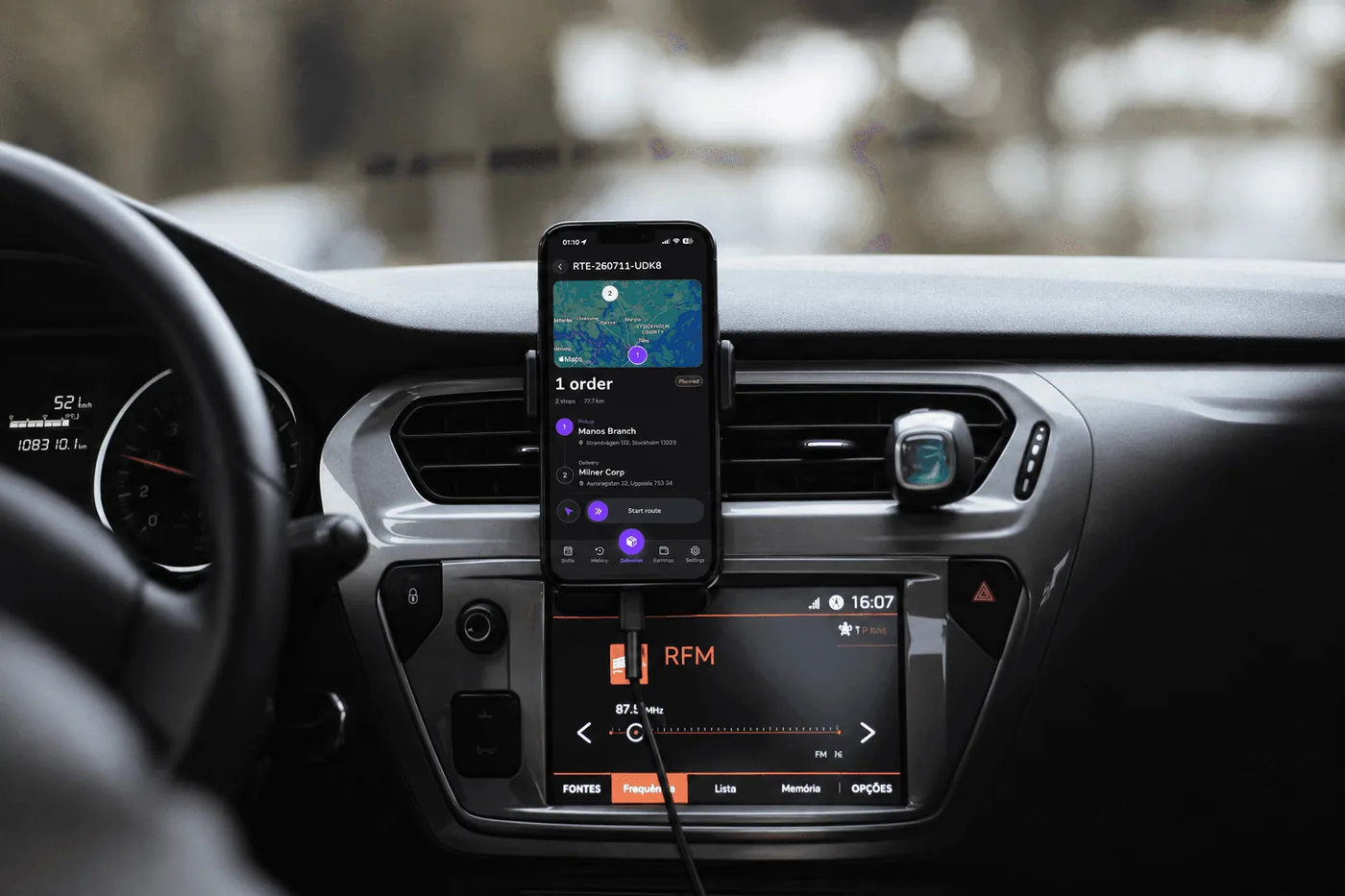
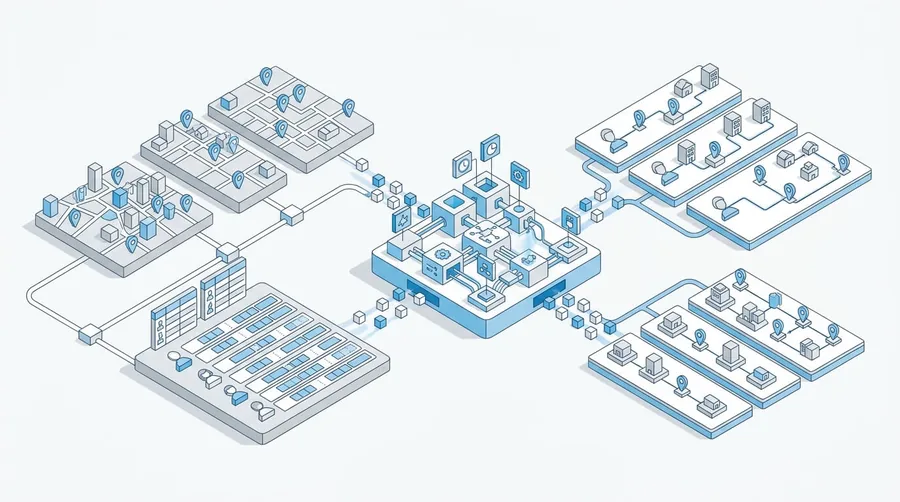
Welcome to Univooz, the unified fleet and delivery management platform built to run every delivery, every driver, and every route from one place. Univooz brings order planning, live tracking, driver management, and reporting together — so you can stop stitching together spreadsheets, group chats, and disconnected apps and run your entire operation from a single dashboard.
Who This Is For
This documentation is designed for:
Businesses with their own delivery operations — restaurants, pharmacies, warehouses, and e-commerce stores that need to plan and track their own orders.
Fleets that manage drivers and partner with businesses to fulfill deliveries.
Hybrid operators who need total control over both delivery and driver operations in a single dashboard.
Enterprise teams looking for custom integrations, native API access, and compliance-ready reporting at scale.
Getting Started
Ready to dive in? Follow these steps to set up and start using Univooz:
Create Your Account — Sign up and choose your account type: Business, Fleet, or Hybrid, depending on how you operate.
Follow the guidelines for account set-up once signed in — A detailed onboarding will wait for you once you sign in
Test and look around — Your account comes with a 14 day free trial. Take advantage of it and if you are unsure about something, reach out to arrange a demo.
Activate your plan — Univooz is what you are looking for. Register your plan and start delivering.
With your account set up, you're ready to track deliveries in real time, manage your drivers end-to-end, and turn your operational data into decisions.