
Manual routing in the Logistics Console
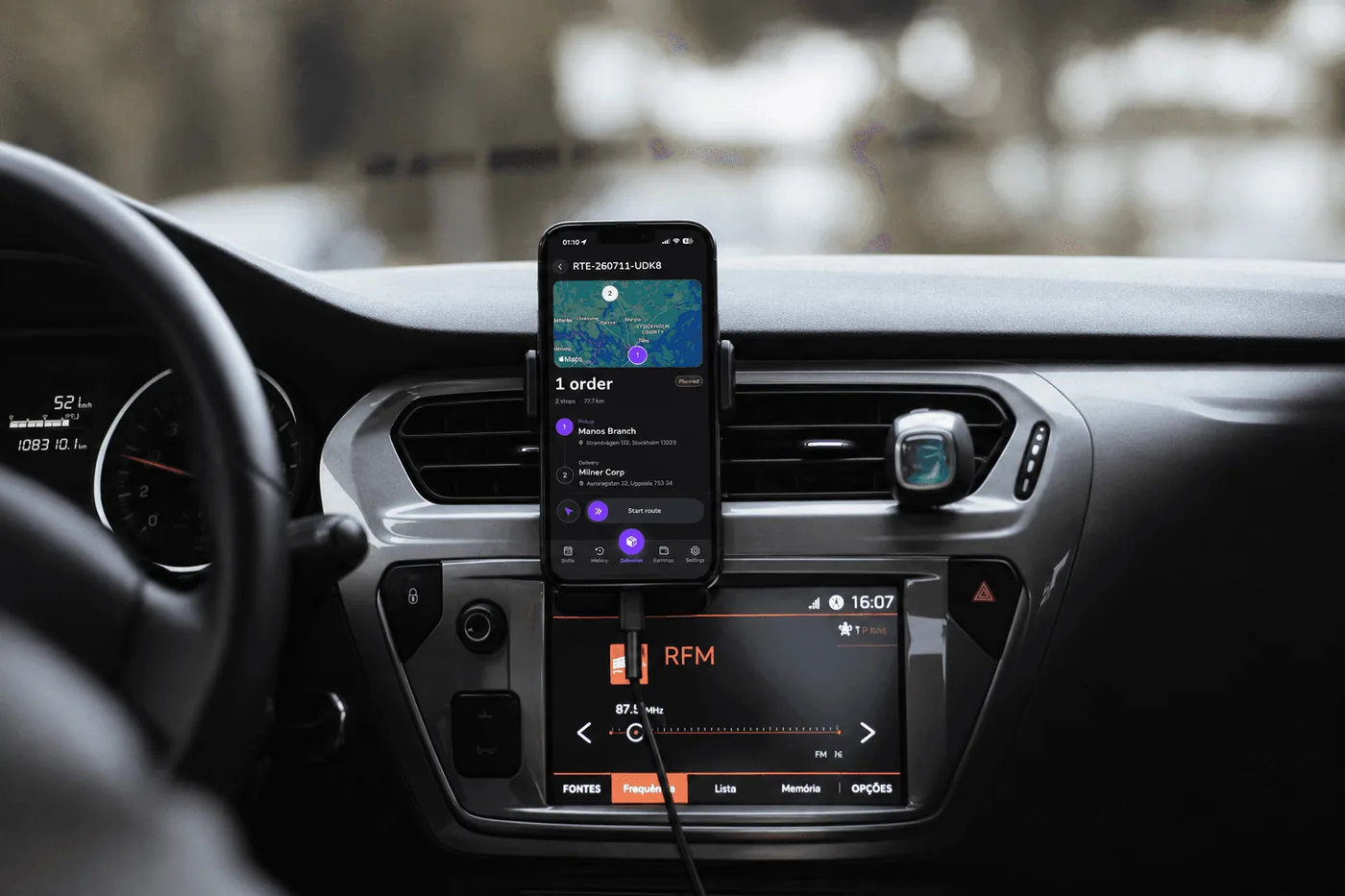
Every new order arrives unrouted. A dispatcher routes it before a driver can receive it. Open the Logistics Console for a zone. The console shows the unrouted orders, the planned routes and a map. To build a route:
Select one or more orders. All orders in one route must be in the same zone and on the same service day.
Create the route. Univooz adds a pickup stop and a delivery stop for each order. Click "Re-run the suggested stop order" to sort the stops by the nearest next stop. You can also drag the stops into your own order. A pickup always stays before its delivery.
Assign a clocked-in driver. The driver's shift must cover the route from the first pickup to the last delivery. You can also leave the route planned and assign a driver later.
You can add orders to a planned route, change its driver, or delete the route. A deleted route
returns its orders to the unrouted list. A route that a driver has started cannot be deleted.
Bulk actions let you select several routes at one time, for example to assign one driver to all of them.
Manual routing is included in every Fleet and Hybrid plan.
AI routing
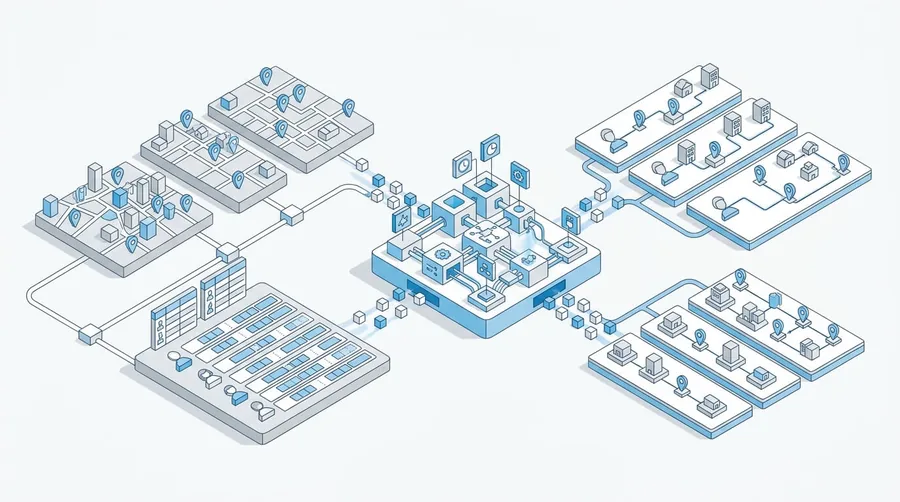
AI routing groups orders into routes for you. It uses road-network travel times and each order's pickup and delivery window. It has three actions:
Auto-assign on new orders. Turn on "Auto-assign" in the zone settings. From then on, every new order in that zone lands on a route at the moment the business creates it. The engine looks at every planned route for that service day. It puts the order on the route where the added detour is smallest. If no route fits, it opens a new route for the order. An order is never left unrouted in an auto-assign zone.
Auto-route all. Run the same logic on demand over every unrouted order in the zone. Use this when you turned Auto-assign on late, or when you want to route a backlog in one click. It works in any zone, also when Auto-assign is off.
Re-solve. Remove every order from the planned routes in the zone and route all of them again from scratch, in pickup-time order. Use this when many orders arrived one by one and you want the solver to regroup them. Re-solve never touches a route that a driver has started or completed. What AI routing does not do. It does not assign drivers. Every route it builds is unassigned until a dispatcher assigns a driver. It does not read vehicle size. It does not run on a timer.
Limits you control. The zone settings hold the ceilings for the engine. You can also override them for one run from the console:
Setting | Meaning |
|---|---|
Max added drive time (min) | The most extra driving one insertion may add to a route |
Max added distance (km) | The most extra distance one insertion may add |
Max added distance (%) | The same limit as a share of the route's own distance |
Max route distance (km) | The longest a route may become |
Max route duration (min) | The longest a route may take |
Max stops per route | The most pickups and deliveries on one route |
An empty setting uses the platform default. A route that would break a limit is skipped, and the order goes to the next best route or to a new one.
AI routing is included in Fleet Grow, Hybrid Grow and the plans above them.
Zone settings
Each zone holds the rules for its area:
• Shift early and shift late tolerance, in minutes. They set the window in which a driver can clock in.
• Pickup late tolerance, in minutes.
• Locking horizon, in minutes. It sets how far ahead the shift roster counts as a commitment. Univooz can push an ASAP pickup to the next shift only inside this horizon. The default is 240 minutes.
• Busy periods, as time windows. Univooz uses them to estimate pickup and delivery times.
• Distance bands, in kilometers. Each band gives the minutes Univooz adds for that distance.
• The AI routing limits from the table above.
• The zone code that a business uses to connect a branch.
Scheduling and addresses
A business orders in one of three modes:
Mode | What Univooz does |
|---|---|
ASAP | Calculates the earliest pickup and delivery times from the zone's busy |
Deliver by | Takes a deadline and calculates the pickup time backwards from it |
Exact | Takes both times from the business and calculates nothing |
Univooz checks every address on the map when the order is created. It refuses an address it cannot find, and it reports an address with low confidence so the business can correct it. The order stores the road path from the branch to the door, and the console draws that path on the map. A business can mark an order as a large order. The stop shows the flag to the dispatcher and the driver. Routing does not read the flag.
CO2 tracking
Set-up. Each driver has a vehicle: the type (bike, motorcycle, car or van), the fuel (petrol, diesel, LPG, electric or none) and the consumption. Enter these when you create the driver. You can change them later in the driver profile.
Calculation. When a dispatcher assigns a driver to a route, Univooz calculates the CO2 for each order on it. It multiplies the road distance of the order by the vehicle's consumption and the emission factor of the fuel. Electric vehicles use the grid carbon intensity. Bikes and vehicles with no fuel count as zero. If the route changes driver, Univooz calculates the orders again with the new vehicle.
Reporting. The fleet dashboard shows the CO2 for the period you select:
• Total CO2 in kilograms.
• CO2 per delivery.
• CO2 per kilometer.
• The share of zero-emission deliveries.
• An "Emissions over time" chart with one value per day.
Each order also shows its own CO2 value in the order detail.
CO2 tracking is included in Fleet Grow, Hybrid Grow, Business Grow and the plans above them.
Live tracking
For the fleet. The console map shows every clocked-in driver at their last known position. While the driver is clocked in, the app sends the position every 10 seconds or 25 meters with the app open, and every 30 seconds or 50 meters in the background. Tracking stops at clock-out.
For the customer. Each order has a tracking link. Open the order and copy the link. The customer sees the order status, the pickup and delivery addresses and, during the delivery, the driver's position on the map. The link needs no account.
Proof of delivery
The driver takes a photo at a stop when the stop needs one. The dispatcher and the business see the photo in the order detail. Univooz keeps the photo for 30 days after the delivery. Business Grow, Hybrid Grow and the plans above them can also download a proof-of-delivery document as a PDF for each order.
Shifts
A fleet creates shifts per zone with a start time, an end time and an optional driver cap. There are two ways to fill a shift:
• The fleet assigns a driver to the shift in the dashboard.
• The driver opens the Shifts tab in the app and books an open shift in their zone.
A driver clocks in and out in the app. The fleet can pause a clocked-in driver, so the driver receives no new routes for a while, and can clock a driver out from the dashboard. When the shift is completed, Univooz records the driver's earnings for it.
Driver documents
A fleet asks each driver for five document types: driver license (front and back), number plate, social security card (front and back), contract (PDF) and criminal record (PDF). The driver uploads them in the app from the camera or the photo library. The fleet approves or rejects each document in the driver profile. The driver sees the review status in the app.
Driver pay
Contracts. A contract holds rate rules: per order or per kilometer, with optional conditions on the time of day and the zone. Assign a contract to a driver. Univooz creates an earnings line for each delivered order.
Bonuses. A bonus pays out when a driver reaches a threshold of orders or kilometers in a period. A bonus can be one-time or recurring. Assign a bonus to a driver for a date range. The driver sees the progress in the app.
Adjustments. Add a manual addition or deduction to a driver, for example fuel or a damaged parcel.
Settlements. Select a period and settle the open earnings for the drivers you choose. Each settlement has a reference, a date and the person who created it. You can void a settlement. Export the settlement list as CSV for your accountant.
Developers area
A business finds the integration tools in the "Developers" menu:
• Overview. What is set up, what is left, and a request you can run right now.
• API keys. Create live and test keys. Univooz shows a key one time only.
• Webhooks. Register one live and one test endpoint, choose the events, and send a test
event. Webhooks need the Advanced API, included in the Enterprise and Custom plans.
• Routing. Choose which fleet zone each branch sends its API orders to.
• Test orders. Orders created with a test key. They reach no fleet and cost nothing.
The full API reference is at https://docs.univooz.com.
Exports
• Orders. Export the order list as CSV from the order history. The export holds live orders only.
• Settlements. Export the settlement list as CSV from the settlements page.